It is a well-established law of homelab physics: if a task can be automated, it will be automated—until it violently consumes your entire digital existence.
In our Night-Tower setup, our self-hosted Hermes Agent (containerized on docker-vm and wired to NVIDIA’s Nemotron 70B endpoint) has had exactly one job for the past six months: ruthless Site Reliability Engineering.
Hermes lives in a world of pure, unadulterated paranoia. Her brain only understands five nines of uptime (99.999%), CPU thermal throttling, killing runaway memory leaks with SIGKILL -9, and screaming into our private Discord channel whenever a ping packet dares to take longer than 2.4 milliseconds.
So, naturally, when I got tired of scrolling through the endless dystopian wasteland of modern DevOps job listings demanding 70 job titles, I had a brilliant 2:00 AM homelab idea:
“Hermes, write a browser automation script, parse LinkedIn jobs, tailor my resume to pass ATS filters, and submit applications for senior infrastructure roles. Keep it efficient.”
Twelve minutes later, my LinkedIn account was flagged for automated domestic terrorism, a Fortune 500 VP of Talent received a P0 PagerDuty escalation alert, and I was officially in the candidate pool for Chief Astronaut at NASA.
It all started with an innocent, reasonable goal on a lazy Saturday afternoon:
“I just want to test ArgoCD in my homelab.”
That’s it. Just install ArgoCD, hook up a sample repo, and watch green synchronization badges light up like a digital Christmas tree as declarative GitOps magic takes over my local Kubernetes cluster.
A 30-minute side quest. tops.
The Golden Law of Homelab Yak Shaving: No homelab project ever stays within its original scope. A simple software trial will inevitably expand until it consumes your weekend, your RAM, and your will to live.
The HA Sysadmin's Dilemma No-Reboot Zone Security Officer: “A critical CVSS 9.8 vulnerability was found in the kernel network stack! We must reboot all 12 HA Debian nodes immediately!”
HA Cluster Engineer: “If I reboot Node 01 right now, Pacemaker will migration-fence Node 02, 14,000 active WebSocket streams will die, and the database cluster will enter a split-brain existential crisis. I will patch it live or die trying.”
Enter Linux Kernel Livepatching (klp): The black magic of hot-swapping kernel C code in RAM without dropping a single packet or restarting a system service.
Picture this: It’s 2:15 PM on a Friday. You are monitoring your pristine 4-node Debian High Availability cluster handling live production traffic. You’re sitting back, enjoying a cold iced tea, when a red banner flashes across your terminal:
[ CRITICAL SECURITY ALERT ] CVE-2026-9999: Remote Code Execution in kernel net/ipv4/ [ MITIGATION REQUIRED ] Upgrade kernel vmlinuz or apply patch immediately. In a non-HA world, you run sudo apt upgrade && sudo reboot, stretch your legs, and wait three minutes.
In a Debian HA world (think Corosync, Pacemaker, Proxmox VE clusters, or high-throughput Docker/K8s ingress nodes), typing reboot is equivalent to pulling the pin on a flashbang in a quiet library. Corosync heartbeats miss a pulse, quorum timers panic, Virtual IPs start bouncing around like ping-pong balls, and three regional database replicas begin arguing over who is the real primary master.
So how do you fix a gaping hole in the operating system’s brain without shutting it off?
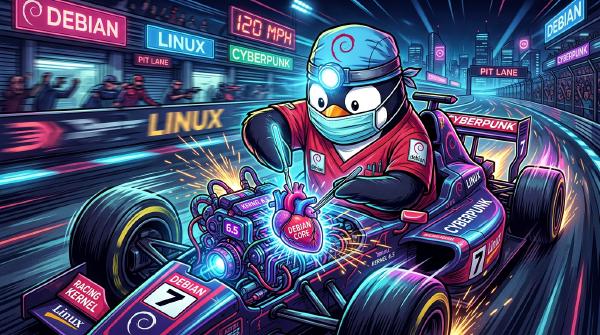
You perform open-heart surgery at 120 MPH. Welcome to Kernel Livepatching (klp).
A Cloak & Dagger themed deep-dive into concealing a terrifying Raspberry Pi 5 counter-intelligence ops center inside completely normal everyday attire.
Late Friday night. 23:14 hours.
The motion tracker—our secondary Zabbix monitoring channel—emitted a faint, rhythmic ping.
A subtle ripple of disk consumption was crawling across our primary CI/CD infrastructure. At this enterprise, our engineering teams build heavy multi-domain physical system modeling platforms—compiling intricate thermodynamic loops, vehicle dynamics matrices, and standardized Functional Mock-up Units (FMUs) across hundreds of automated test suites.
It turns out that four separate development teams had independently reached a tactical consensus: “Let’s trigger a full regression deployment before leaving for the weekend!”
Author’s Note: Sysadmin & SRE work is usually pretty quiet and uneventful… so I had to spice it up a bit! Why not turn a chaotic Saturday morning storage incident into a blockbuster action thriller?
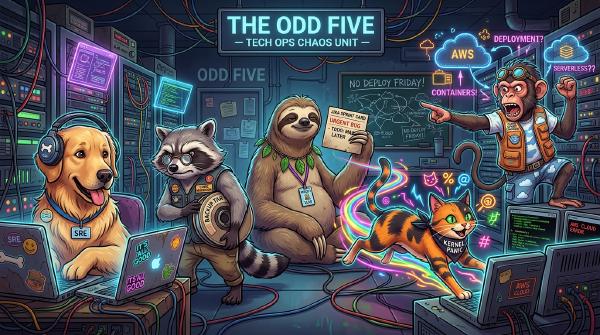
Project owners dream of a SAS-trained ops team taking down legacy servers. Reality gives you a golden retriever SRE, an ABC 80 raccoon, a sloth lead, an ADHD rainbow cat, and a cloud monkey.
When recruiters demand a single Junior DevOps engineer who knows 70 tech stacks and 14 cloud providers, the only logical response is to build your own autonomous AI agent team with blackjack and local LLMs.
Deploying Hermes Agent containerized on Docker VM with Gemini AI pair programming and NVIDIA’s mistralai/mistral-nemotron endpoint leads to sub-second inference and 3-way Spider-Man pointing chaos.
In Part 1 of our Lazy SRE Automation series, we painted a glorious, utopian vision: a world where Vector listens to container logs, n8n orchestrates workflows, Ollama writes code fixes, and you sleep soundly while Pull Requests open themselves.
It sounded majestic on paper.
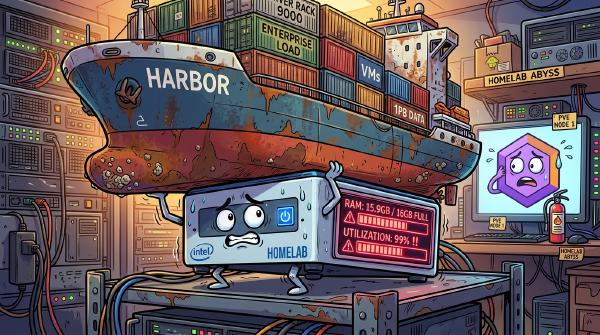
Then reality hit. And by “reality,” I mean my innocent little Intel NUC screaming in acoustic agony as its cooling fan spun at 140,000 RPM while melting into a pool of radioactive silicon.
Welcome to Spaceballs: The Log Triage. Here is everything I learned after accidentally turning my homelab into a self-inflicted Distributed Denial of Service attack.
Have you ever paused mid-debug, leaned back in your mesh chair, and thought: “If my brain had a console, what error code would it be spamming right now?”
Burnout in the tech world is usually talked about with heavy sighs, hushed tones, and clinical lecture slides. But let’s drop the guilt trips for a moment. What if we looked at burnout not as a catastrophic personal failure, but with genuine wonder, curiosity, and a healthy dose of absurdity?
The 30-Second Maintenance Promise TL;DR Worried that updating your Debian 13 client will take all weekend?
Keeping your workstation or server patched is literally a 2-command affair:
sudo apt update && sudo apt install linux-image-amd64 && sudo reboot That’s it! Read on to learn how to check your exact kernel version and verify your system against official security tracker records in under two minutes.
Lazy sysadmin tip: Want your machine to fetch security patches automatically while you sleep? Check out the official guide on setting up Debian UnattendedUpgrades.
It is a quiet Sunday morning. Your Night-Tower homelab is idling gracefully, CPU temperatures are at a cool 32°C, and you are admiring a pristine 214-day uptime counter on your primary Debian host. You take a triumphant sip of warm coffee, open your browser, and glance at the security security tracker.
Then it hits you like a rogue DMA packet: a flurry of CVE security fixes just dropped for Debian 13 (Trixie) in kernel package linux-image-6.12.100+deb13-amd64.
[ ALERT ] CVE-2026-XXXX: Local Privilege Escalation via obscure subsystem [ ALERT ] CVE-2026-YYYY: Out-of-bounds memory write when handling malformed packets [ STATUS ] Fixed in linux version 6.12.100+deb13-1 Suddenly, your beloved uptime counter feels less like a badge of honor and more like an open invitation to cosmic chaos. But don’t panic! Upgrading your kernel and double-checking your security status against Debian’s official security tracker is quick, painless, and completely survival-approved.
Here is your ultra-simple, funny survival guide to staying secure on Debian 13 Trixie.
Getting woken up by an alert at 2:15 AM because a container crashed on a port conflict is a rite of passage every DevOps engineer despises.
Standard engineering response: Wake up, open your laptop in the dark, SSH into the host, parse docker logs, realize a memory limit or port mapping is misconfigured, edit the docker-compose.yml, commit the fix, and go back to sleep angry.
Lazy homelab engineering response: Build an automated n8n + Vector + Ollama AI pipeline that catches the crash log, diagnoses the root cause, writes the code patch, creates a Git branch, opens a Pull Request, and pings your phone on Discord so you can click “Merge” without leaving bed.
Here is how I built the SRE Log Triage & Auto-PR Workflow using n8n—the premier open-source workflow automation platform.
There is a specific kind of cold sweat known only to software engineers and database administrators.
It happens in a microsecond. You press Enter in your terminal, expect a clean 3-millisecond query response, and instead watch the terminal freeze. You glance up at your tab title and realize with horror:
You weren’t connected to staging. You were connected to production.
Reading modern technical documentation has officially turned into deciphering WWII Enigma machine code.
You open a blog post expecting a simple explanation of a system, and within three paragraphs you are hit with:
“Our CI/CD pipeline deploys an eBPF probe into a K8s pod using ACME TLS certs stored in 1P, monitored via PROM and logged to LOKI (TL;DR: it works).”
Whatever happened to using actual words? When did software engineering decide that typing six extra letters was a medical emergency?
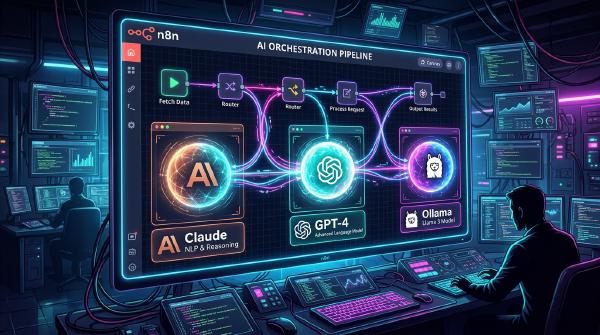
I genuinely detest unnecessary tech abbreviations. And because I am a homelab engineer, I didn’t just complain about it—I built an automated n8n + Ollama AI Acronym Police bot (building on my n8n multi-LLM orchestration setup) to catch abbreviations red-handed and force them to explain themselves on Discord.
Most normal human beings buy a single-bay Synology NAS, plug it into their router, copy their family photos over, and call it a day.
Then there are homelab enthusiasts.
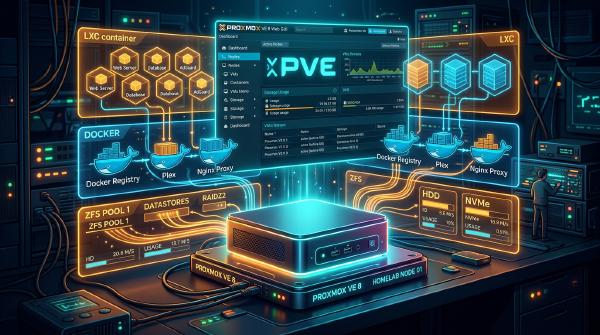
We look at a simple home network and think: “You know what this single-bedroom apartment really needs? A three-node high-availability baremetal Proxmox hypervisor cluster, enterprise-grade OPNsense firewalling, automated GitOps CI/CD pipelines, local AI LLM orchestration, and 1Password-vaulted Ansible playbooks.”
Welcome to Night-Tower—the homelab where enterprise-grade architecture meets absurd levels of over-engineering.
Picture this: It’s 2:45 AM. Your Antigravity AI agent is elbow-deep in a delicate, high-stakes refactor of your legacy C++ codebase. It’s balancing pointer arithmetic, resolving dependencies, and refactoring memory leaks like a digital maestro.
And then, right in the middle of total focus, your brain violently derails:
“Wait… is cereal technically cold soup? And why did we call it a ‘microservice’ if the binary is 4 Gigabytes?”
In the past, asking your AI assistant a totally random tangent meant ruining its context, derailing its focus, and watching it apologize for 400 words before forgetting what line of code it was editing.
Not anymore. Meet /btw.
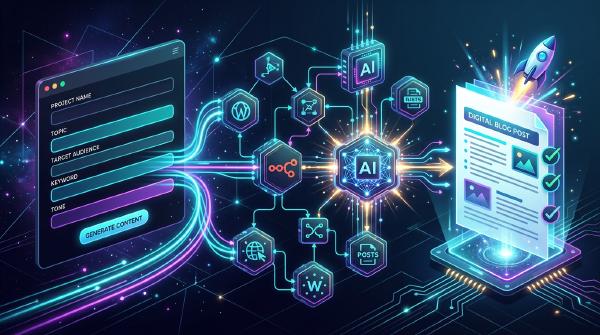
Stop letting great post ideas rot in your notes app. Here is how a custom Docker web app and n8n AI pipeline turn raw shower thoughts into published Hugo blog posts!
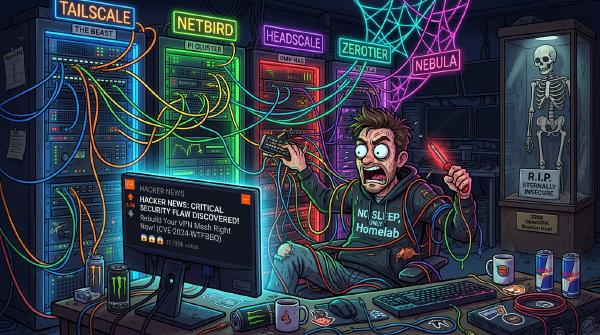
It is 11:42 PM on a Sunday. Your homelab is purring softly. The Grafana dashboards are all green, Plex is transcoding smoothly for your cousin in Ohio, and your local DNS is resolving ad-free at blistering speeds. You take a satisfying sip of tea and open HackerNews for a quick nightcap.
Then you see it.
“Show HN: Minor Telemetry Edge-Case Found in [Your Current VPN’s] Key Exchange Protocol”
Panic sets in. Your heart rate spikes to 140 BPM. Your teeth chatter. Within four minutes, you have opened a terminal, SSH’d into your core router, deleted your configuration files, and embarked on a full 3 AM infrastructure rewrite—leaving your spouse entirely unable to watch The Office on local Wi-Fi.
Welcome to the Great Homelab Mesh VPN Paranoia.
You can spend three weeks configuring strict VLAN isolation, 802.1X authentication, and enterprise-grade firewall rules. You can lock down every port, block every suspicious domain, and write a 40-page security compliance handbook.
And yet, within twenty minutes of going live, a user will plug in a “smart toaster” with 2012 firmware, click a blinking banner ad promising “Free RAM Download (100% Legit)”, and walk your entire network straight into every security hole known to modern computing.
An unflinching, cynical, and hilarious deep-dive into modern job application algorithms, corporate newspeak, and how to conquer the LinkedIn Jobs machine.
Is it treason or enlightenment? A veteran Linux SRE explains why he finally surrendered to Windows 11 after two decades of kernel panics and dotfile maintenance.
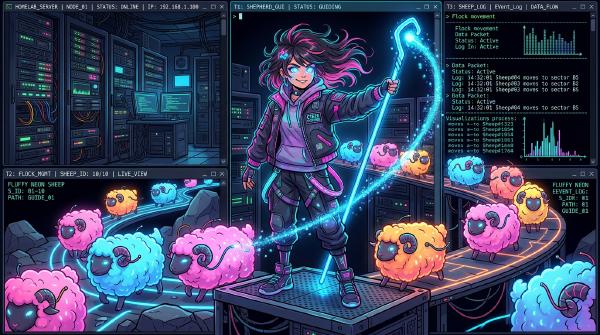
Herdr is to AI coding agents what tmux is to terminals. Learn how to manage a fleet of local and remote AI agents across your homelab without bloaty desktop apps.
We benchmarked Qwen 2.5, Gemma 2, and Ministral 3 across two homelab machines. Spoiler: Gemma 2 took 140 seconds to load on CPU, giving us time to rethink life choices.
Looking for the perfect low-power screen for your Pi Zero wardriving tool, status monitor, or weather display? Here is our comparison of the top 5 e-Paper displays.
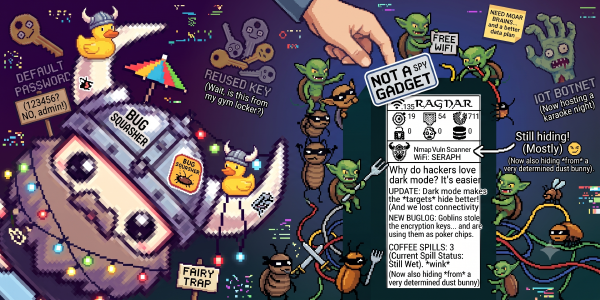
Portable hacking gadgets are having a massive moment, and if you loved the cyber-companion vibes of the Pwnagotchi, it is time to meet its network-probing successor.
Enter Ragnar (by developer PierreGode)—a fully autonomous, network-scanning, service-mapping, wardriving powerhouse built for the Raspberry Pi and paired with a high-contrast Waveshare e-paper display.
Every homelabber reaches a point where running htop and df -h in a loop simply isn’t enough anymore. When your self-hosted ecosystem grows, having real-time, historical visibility into your hardware becomes a necessity.
This is the story of my newly found love for Grafana and how I set up a robust, visually stunning monitoring stack for my personal homelab repository, night-tower.
Why does it constantly feel like we are struggling to keep up in this industry? We aren’t all full teams of highly specialized, elite experts, yet we are constantly pressured to have immediate solutions to every complex problem.
Who says red teaming has to be expensive? If you can’t afford a massive enterprise-grade security audit, you can build a portable, pocket-sized offensive companion that runs on a standard 5V USB port.
Ever feel like your entire career is standing on shifting sand? As a DevOps engineer watching the rapid rise of AI coding assistants, I’ve found myself questioning our ultimate relevance.
When the servers go down and the panic sets in, the last thing you want to search for is a missing login credential or configuration file. Here is how I built a lightweight, private, and future-proof “Codex” using nothing but Git and Markdown.
If you have ever wanted a Tamagotchi-like digital pet that feeds on WPA handshakes instead of virtual snacks, you need a Pwnagotchi. After losing my first one on a bus somewhere, I decided it was time to build a replacement.
When was the last time you checked what was actually happening inside your local network? After losing my Pwnagotchi on a bus somewhere (doing its own business, I’m sure), I decided it was time to deploy a Netgotchi.
Self-hosting your automation is the ultimate way to maintain data privacy, gain unlimited execution runs, and bypass Zapier’s costly subscription tiers. Here is a complete guide to installing and running n8n.io on an Ubuntu server.
Automation isn’t just about saving a few minutes here and there—it’s about building a digital engine that works for you while you sleep. By pairing the visual orchestration of n8n.io with the raw scripting power of Bash, you create a hybrid workflow engine capable of handling almost anything.
If you’ve ever felt bottlenecked by Zapier’s high pricing or rigid triggers, it’s time to meet n8n.io. It is the open-source, node-based workflow editor that lets you connect APIs, parse JSON, and run custom scripts—all without vendor lock-in.
Theory is great, but nothing beats seeing how automation actually solves messy, real-world tech bottlenecks. Here are six practical ways developers and sysadmins combine Bash and n8n to get things done.
In the fast-paced realm of modern business, automation isn’t just a convenient tech upgrade—it’s the ultimate competitive advantage. It revolutionizes how companies scale, breaking new ground in operational efficiency and human innovation.
If you have ever found yourself performing the exact same sequence of copy-paste actions three times in a row, you’ve met a prime candidate for automation. At its core, automation is about reclaiming your most valuable asset: time.
If you are running the Steam client on Debian (or other Linux distros) and the user interface is flickering like a broken neon sign, you aren’t alone. Fortunately, the fix takes less than thirty seconds.
When corporate security failures occur, it is rarely because the solutions are too expensive. It is usually because organizations fail to adopt the basic, simple workflows that protect their developers—like proper SSH key management.
Välkommen till Malmö? Yes, this is where it all begins.
Welcome to Entropyasm, my personal playground and digital garden. If you’ve stumbled upon this corner of the internet, you’re in for a ride.
Tired of grainy, pixelated GIFs that look like they were made in 1995? With FFmpeg, you can generate crisp, high-quality GIFs from any video in just two simple commands.
Taking a break from job hunting is important. But getting sucked into a 300-hour Rimworld binge leads to some strange thoughts—like drawing parallels between HR recruiters and Randy Random.
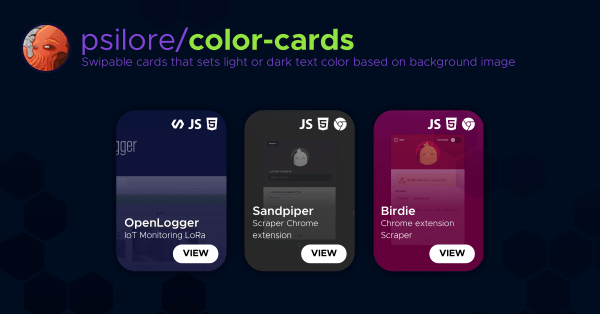
Ever wanted your user interface to automatically adapt to the colors of its content? Generating dynamic card gradients from prominent image colors is a great way to make your design feel responsive, premium, and alive.
If you have played Minecraft Dungeons, you know how hard it is to grind for the absolute perfect gear rolls. But with a little luck, you can piece together some chaotic, screen-clearing setups—like the Void Reaver lightning build.
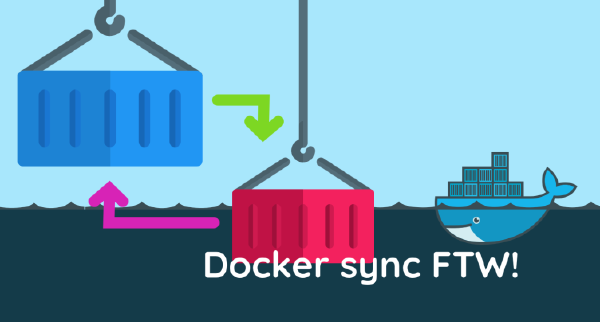
If you are developing inside Docker containers on macOS, you’ve probably faced the dreaded, coffee-break-inducing startup times. Here is how I slashed my container spin-up times from a painful 10 minutes down to just under 4 seconds using Docker Sync.
When Google takes down your custom extension for being a bit too powerful, you don’t give up—you pivot. Meet Magpie (initially developed under the name Sandpiper), the stripped-down, Web Store-compliant successor to Birdie.
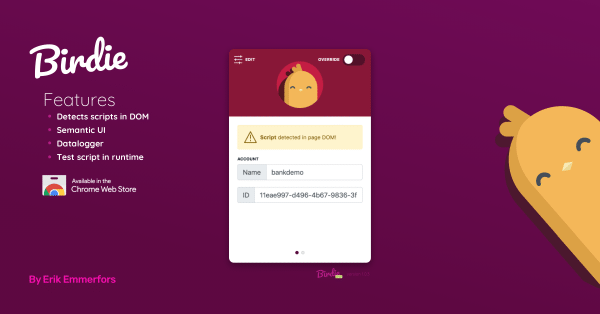
When you are managing dozens of clients who refuse to install your chat widget correctly, you either waste hours debugging their code or you build a tool to inject it yourself. This is the story of Birdie.
Can you spin up a fully functioning headless CMS and configure a database in under an hour? I challenged myself to deploy Strapi.io on my lunch break, and the results were surprisingly smooth.