
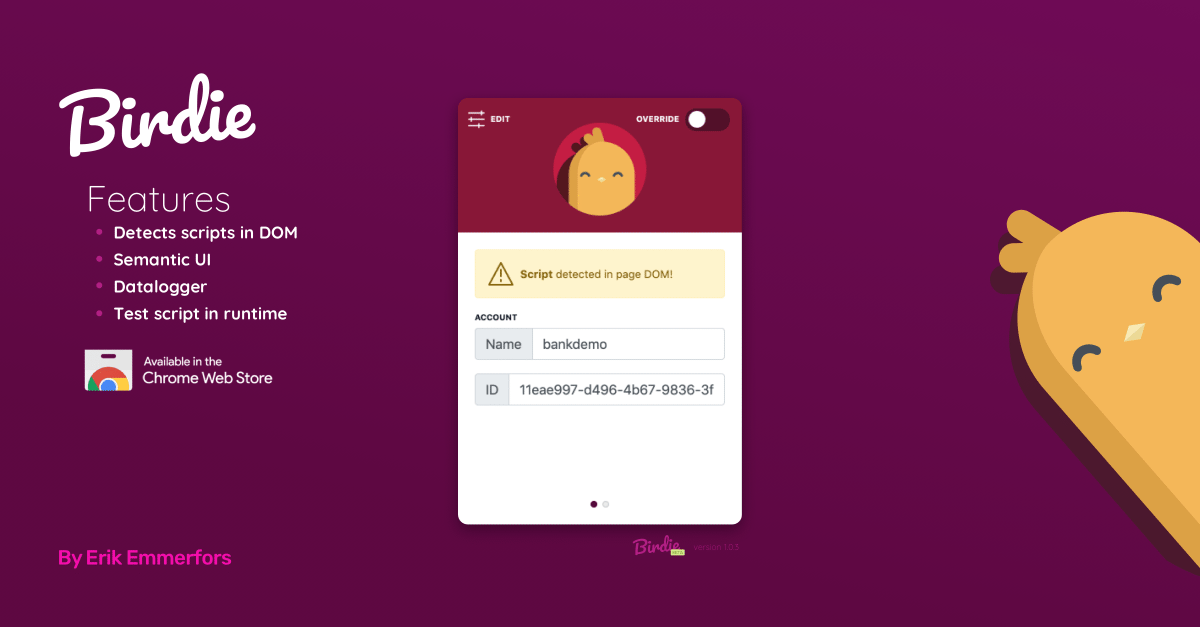
When you are managing dozens of clients who refuse to install your chat widget correctly, you either waste hours debugging their code or you build a tool to inject it yourself. This is the story of Birdie.
During my time as a software engineer building chat experiences, I hit a massive bottleneck: almost every client had a completely custom, fragmented setup for hosting their websites.
I needed a way to speed up my workflow by viewing and manipulating the DOM directly on the client’s website in real-time. Since I was managing 6 to 10 clients at any given time, and few were willing (or knew how) to install our chat framework themselves, setup was stressful, tedious, and filled with friction.
So, I built Birdie to help me automate the setup.
The Ban from the Chrome Web Store#
While Google likely flagged it as a potential security risk (since it could technically be used maliciously), it was an absolute lifesaver for my day-to-day work. It took the pressure off and brought peace of mind in one of the most demanding agency environments I’ve ever experienced.
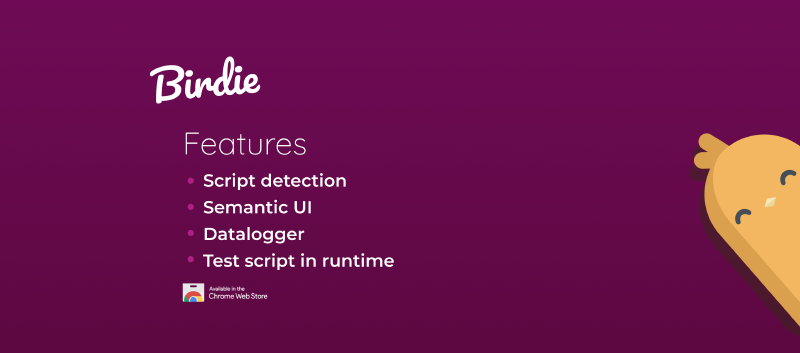
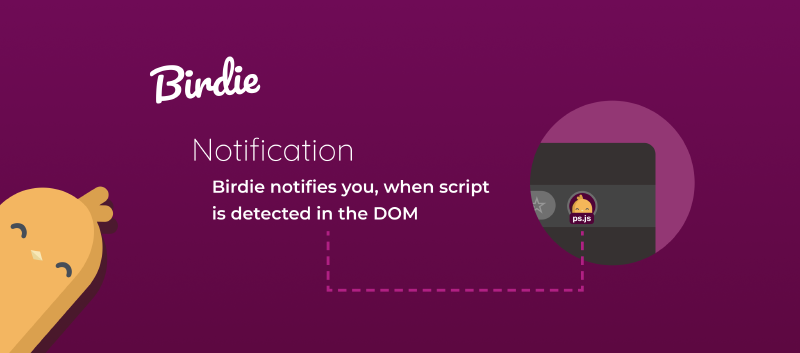
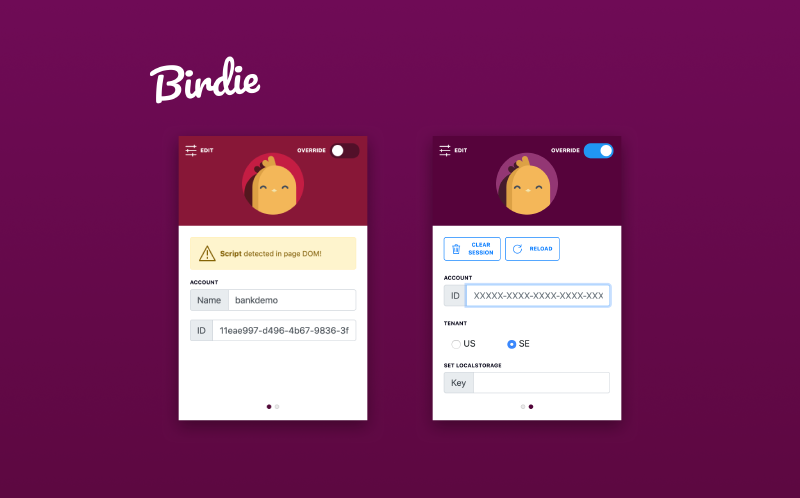
Here is a look at the original interface and capabilities:
The Legacy of Birdie#
Because of Chrome’s strict security policies, I eventually had to strip out the extension’s best features—removing the Web Store APIs and direct write-access DOM manipulation.
The result of that migration was a read-only successor. You can read about its successor here: Magpie.
Over to You#
Have you ever built a developer utility that was just a bit too powerful for public app stores? How do you handle client onboarding friction? Let me know in the comments below!