

When the servers go down and the panic sets in, the last thing you want to search for is a missing login credential or configuration file. Here is how I built a lightweight, private, and future-proof “Codex” using nothing but Git and Markdown.
“Klaatu barada nikto”
Why Git for Documentation?#
I started out looking for a setup that followed the “Keep It Simple, Stupid” (KISS) principle, and I ended up right back at Git.
After testing several different setups (Notion, Obsidian, self-hosted wikis), I came to a simple conclusion: Git is the ultimate tracker. It is lightweight, secure, and available on almost every device.
Core Ingredients#
- Markdown: Plain-text files that are future-proof and easy to read.
- Git: The stupid content tracker for version control and change logs.
Repository Structure#
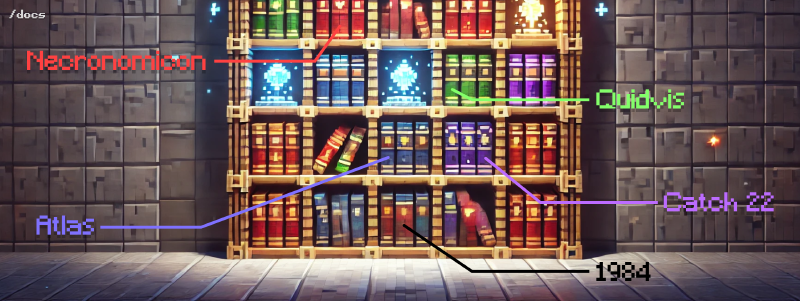
I structure my documentation folder like a bookshelf. Each main folder is a category, and inside are subfolders containing topic-specific markdown files.
.
├── docs                                           # The Bookshelf
│   ├── images
│   ├── jimmy-hoffa
│   │   └── README.md
│   ├── necronomicon                               # A category folder
│   │   └── chapter-1                              # Sub-sections
│   │       ├── oh-my-gawd-I-summoned-a-demon.md   # Topic page
│   │       └── alhazred-notes.md
│   │       └── README.md                          # Sub-index
│   ├── quidvis
│   │   ├── docker
│   │   ├── gcloud
│   │   ├── raspberry-pi
│   │   │   └── pwnagotchi
│   │   │       └── README.md
│   │   └── README.md
│   └── README.md
└── README.md
This structure relies on multiple nested README.md files. While it might seem redundant to have one in every directory, it provides clean indexing and rendering for both terminal browsing and web viewers.
Retaining Data Ownership#
Many modern tools like Notion are highly capable, but they require you to relinquish control of your data and lock you into their ecosystem.
For those with abundant resources, this might not matter. But for developers who value privacy, offline access, and zero subscription fees, keeping local markdown files backed up in a private Git repo is unmatched.
The Workflow: Git Log as a Timeline#
To view a timeline of your entries, you can use the built-in git log command.
1. Document Changes#
Add and commit your notes just like code. Check your log if you need a timeline of your activities:
git add .
git commit -m "added raspberry-pi hardware setup image"
$ git log --oneline
* (HEAD -> pwnagotchi) added hardware setup image
* added parts list
* added steps to install
* added README
* (main) init2. Squash Merge for a Cleaner History#
If you want to keep your main branch history clean, write notes in a branch and squash merge them when finished:
git switch main
git merge --squash pwnagotchi
Checking your logs afterwards shows a single, consolidated entry:
$ git log --oneline
(HEAD -> main) added pwnagotchi docs
init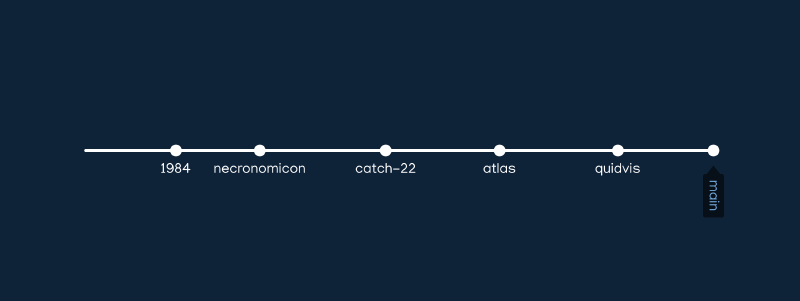
What’s your setup?#
How do you organize your developer notes? Are you hosting a private wiki, using Obsidian, or keeping it simple with Git? Let me know in the comments below!