
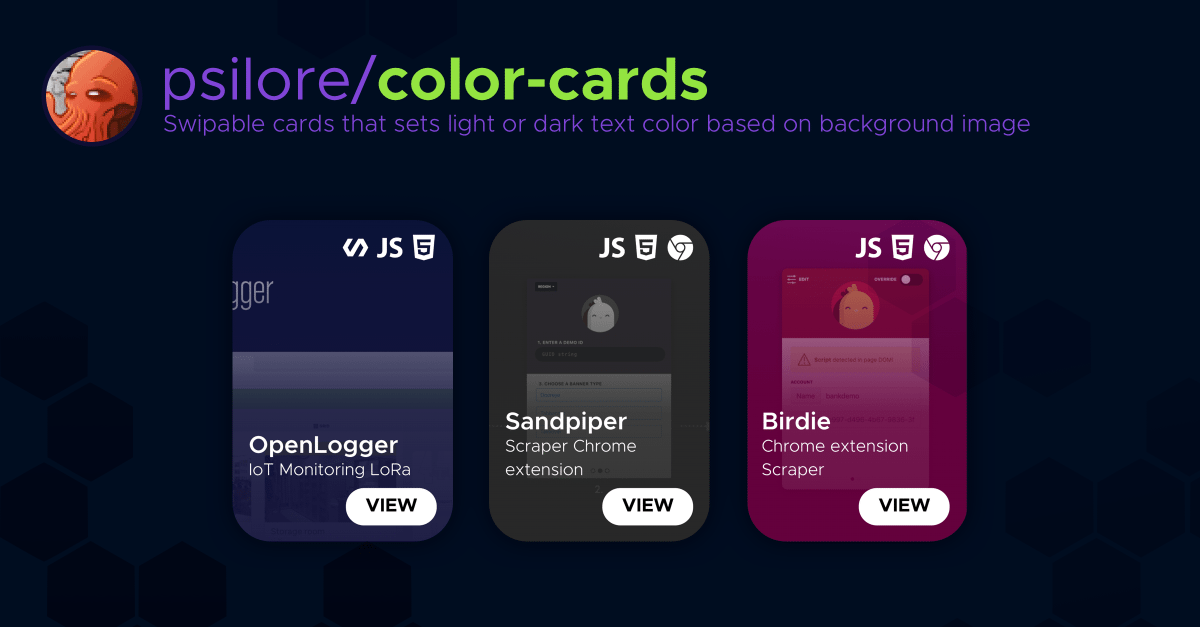
Ever wanted your user interface to automatically adapt to the colors of its content? Generating dynamic card gradients from prominent image colors is a great way to make your design feel responsive, premium, and alive.
With the help of libraries like Color.js, you can programmatically analyze images at runtime and style your DOM accordingly.
The Concept#
The goal is to display images within small cards, extract the single most prominent color from each image at runtime, and dynamically apply it as a background overlay or gradient.
Here is a straightforward async implementation in Vue:
const { prominent } = require('color.js');

async function getColorByImageUrl(imgUrl) {
  // Pass the image URL to the prominent color extractor
  const textColor = await prominent(imgUrl, { amount: 1 }).then(color => {
    const rgbString = `rgb(${color})`;

    // Get the prominent color as an RGB array (perfect for opacity adjustment)
    return new Promise(resolve => {
      setTimeout(() => {
        resolve(color);
      }, 100);
    });
  }).then(data => {
    // Select the DOM element corresponding to this card's background
    const el = document.querySelector('.' + this.data.slug + '-bg');

    // Dynamically apply a linear gradient based on the detected color
    if (el) {
      el.style.background = `linear-gradient(rgba(${data},0) 0%, rgba(${data},0.9) 60%, rgba(${data},0.9) 80%, rgba(${data},0.99) 100%)`;
    }
    return data;
  });
}How do you style dynamic content?#
Have you implemented dynamic color-shifting in your frontend applications? Did you extract colors on the client side using JavaScript, or pre-process them on the backend? Let me know in the comments below!