
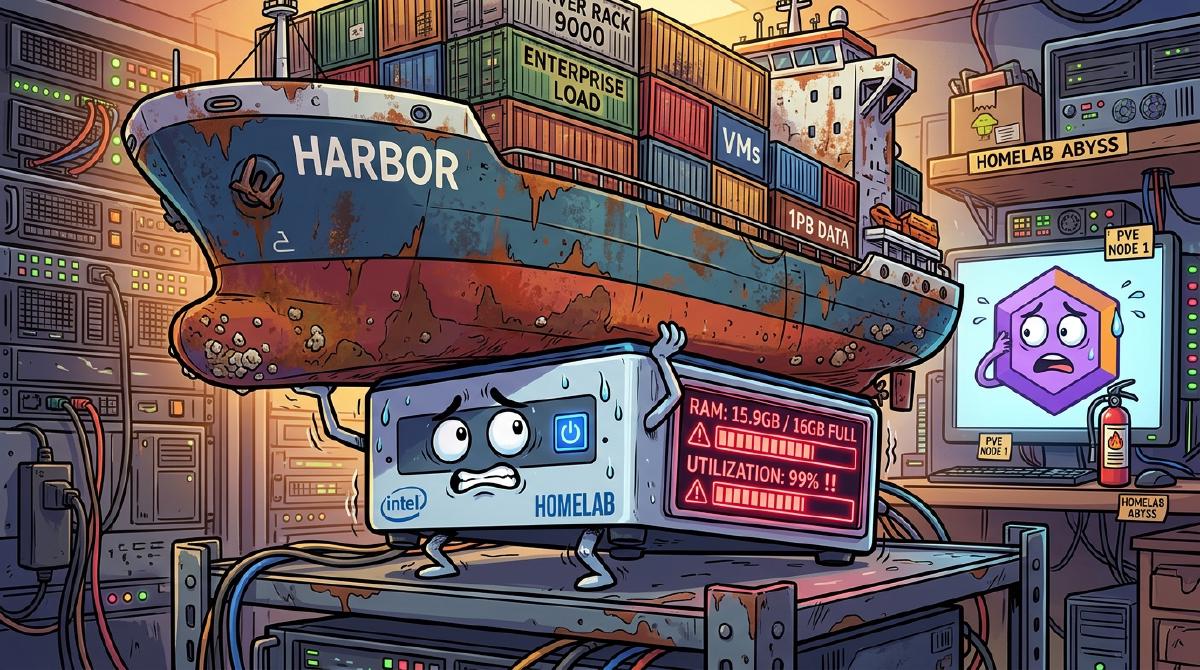
It all started with an innocent, reasonable goal on a lazy Saturday afternoon:
“I just want to test ArgoCD in my homelab.”
That’s it. Just install ArgoCD, hook up a sample repo, and watch green synchronization badges light up like a digital Christmas tree as declarative GitOps magic takes over my local Kubernetes cluster.
A 30-minute side quest. tops.
Act I: The Yak Shaving Cascade (The On-Prem Obsession)#
To test ArgoCD properly, you need a Git repository.
Now, a normal, mentally balanced software engineer would create a free private repository on GitHub or GitLab.com, push a Kubernetes deployment YAML, and call it a day.
Not me.
A deep, primal homelab voice whispered in my ear:
“If you use cloud GitHub, it’s not truly sovereign. If your internet goes down during a zombie apocalypse, how will ArgoCD sync your Home Assistant manifests? You need 100% on-premises purity.”
And so, the dominoes began to fall:
- The Goal: Run ArgoCD on Kubernetes (
k3s). - The First Pivot: ArgoCD needs Git $\rightarrow$ Let’s self-host GitLab CE.
- The Second Pivot: GitLab CI needs to build and store container images $\rightarrow$ We can’t push to Docker Hub; we need an on-prem registry!
- The Ultimate Pivot: Let’s self-host Harbor—the CNCF-graduated enterprise registry with RBAC, vulnerability scanning, and image signing.
Suddenly, my simple 30-minute GitOps test had transformed into a mission to deploy an entire Fortune 500 On-Prem Software Delivery Factory:
$$\text{GitLab} \longrightarrow \text{GitLab Runner} \longrightarrow \text{Harbor} \longrightarrow \text{ArgoCD} \longrightarrow \text{K8s}$$And the battleground for this entire enterprise infrastructure?
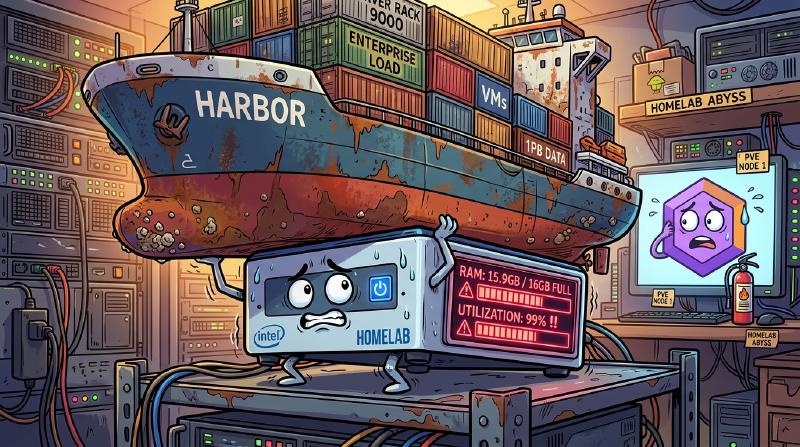
A refurbished Intel NUC mini-PC with a 6-core Intel i7, a 512GB NVMe drive, and exactly 16 Gigabytes of DDR4 RAM, running Proxmox VE 8.x.
Act II: Theoretical Math vs. 16GB Reality#
Before launching Harbor, I sat down and performed what I like to call “Homelab Delusion Math”:
- Proxmox VE Host OS: ~1.5 GB RAM
- k3s + ArgoCD: ~2.5 GB RAM
- GitLab CE (tuned): ~4.0 GB RAM
- Harbor Registry: ~3.0 GB RAM
- Total: ~11.0 GB RAM
“Look at that!” I announced triumphantly to my empty room. “11 GB total! I still have 5 Gigabytes of free headroom! I am a capacity planning prodigy.”
Famous Last WordsI downloaded the Harbor offline installer, enabled vulnerability scanning, and initiated deployment:
wget https://github.com/goharbor/harbor/releases/download/v2.11.0/harbor-offline-installer-v2.11.0.tgz
tar -xvzf harbor-offline-installer-v2.11.0.tgz
cd harbor

cp harbor.yml.tmpl harbor.yml
sudo ./install.sh --with-trivy
Ten seconds later, docker compose ps revealed that Harbor isn’t a registry—it’s an entire navy:
$ docker ps --format "table {{.Names}}\t{{.Status}}\t{{.Size}}"
NAMES               STATUS                   SIZE
harbor-portal       Up 2 minutes             24.8MB
harbor-core         Up 2 minutes             182MB
harbor-db           Up 2 minutes (healthy)   320MB
harbor-jobservice   Up 2 minutes             140MB
registry            Up 2 minutes (healthy)   52MB
registryctl         Up 2 minutes (healthy)   28MB
redis               Up 2 minutes (healthy)   18MB
trivy-adapter       Up 2 minutes (healthy)   210MB
harbor-log          Up 2 minutes             12MB
Idle memory sat comfortably at 3.8 GB. The web UI was glorious. Robot accounts were provisioned, GitLab webhooks were wired up, and ArgoCD was configured with pull credentials to Harbor.
The stage was set for the ultimate local GitOps loop.
Act III: The First Pipeline & The Supersonic NUC Meltdown#
I committed a tiny, 12MB Go microservice into local GitLab.
The pipeline triggered:
- GitLab Runner built the container image.
- The runner executed
docker push harbor.homelab.local/library/my-app:v1.0.0. - Harbor received the layers.
- And then, without warning, Harbor’s Trivy vulnerability scanner woke up.

Trivy didn’t just inspect the 12MB Alpine container. Trivy decided that before ArgoCD could even dream of deploying this application, it had to download 5.4 Gigabytes of global CVE definitions, decompress them directly into RAM, and evaluate every known exploit in human history.
Within five seconds:
- CPU Load: Peaked at 100% across all 12 threads.
- System Memory: Blasted past 15.2 GB into swap territory.
- The NUC’s 40mm fan: Spun from 1,200 RPM straight to 9,400 RPM.
My desk vibrated violently. A high-pitched jet engine howl echoed down the corridor. Loose sticky notes took flight across the room. My cat looked at the server shelf in sheer horror and vanished behind the washing machine.
Act IV: The Linux OOM-Killer Strikes Back#
As Trivy uncompressed yet another chunk of Java and Go vulnerability databases into memory, Proxmox hit 15.95 GB / 16.00 GB.
The NVMe drive was thrashing swap blocks so furiously that SSH sessions began lagging by 10 seconds per keystroke.
And then, emerging from the deepest shadows of the Linux kernel, the ultimate executioner arrived: The Out-Of-Memory (OOM) Killer.

Did the OOM Killer terminate the bloated 3GB Trivy process that caused the emergency?
Of course not.
With pinpoint computational cruelty, the OOM Killer drove a glowing SIGKILL executioner’s axe directly into PostgreSQL (harbor-db) and Redis:
[ 5912.441019] Out of memory: Killed process 41209 (postgres) total-vm:1982012kB, anon-rss:482980kB
[ 5912.442110] Out of memory: Killed process 41288 (redis-server) total-vm:912210kB, anon-rss:218420kB
The catastrophic chain reaction unfolded in seconds:
- Harbor Web UI: Collapsed into a grim
502 Bad Gateway. - GitLab CI Runner: Threw
error: failed to push to harbor.homelab.local - connection refused. - ArgoCD: Threw
ImagePullBackOff: rpc error: code = Unknown desc = failed to pull and unpack image. - Proxmox Web GUI: Locked up completely.
I had set out on a simple journey to test ArgoCD, and four hours later, my entire self-hosted empire was burning to the ground on a single Intel NUC.
Act V: The 16GB Homelab Survival Tuning Guide#
Admitting defeat and buying a 64GB DDR5 homelab server would have been the sensible move. But true homelabbers don’t spend money when they can aggressively mutilate configuration files instead.
Here is the exact battle-tested configuration that tamed Harbor, stabilized GitLab, and let ArgoCD run smoothly on a 16GB Proxmox host:
1. Disable “Scan on Push”#
Trivy scanning on every single commit push will murder a 16GB box.
- Navigate to Harbor UI $\rightarrow$ Administration $\rightarrow$ Interrogation Services.
- Uncheck “Scan on Push”.
- Set a weekly cron schedule for Sunday at 03:30 AM:
0 30 3 * * 0.
Add hard resource caps to trivy-adapter in docker-compose.yml:
trivy-adapter:
  image: goharbor/trivy-adapter-photon:v2.11.0
  deploy:
    resources:
      limits:
        memory: 1200M
      reservations:
        memory: 384M
2. Put PostgreSQL on a Strict Memory Diet#
Harbor ships Postgres configured for hundreds of concurrent connections. For a personal homelab, cap the buffer pool:
# Add to postgresql.conf overrides
shared_buffers = 128MB
work_mem = 4MB
maintenance_work_mem = 64MB
max_connections = 40
effective_cache_size = 384MB
3. Enable Proxmox ZRAM Swap#
Prevent SSD wear and swap lockups by using ZRAM (compressed in-RAM swap space) with conservative swappiness:
# Reduce swappiness to only swap under extreme pressure
sudo sysctl vm.swappiness=10
echo "vm.swappiness=10" | sudo tee -a /etc/sysctl.d/99-swappiness.conf

# Install and start zramswap
sudo apt update && sudo apt install -y zram-tools
sudo systemctl enable --now zramswap
4. Schedule Automated Garbage Collection#
Prevent untagged container blobs from filling up your NVMe storage:
- In Harbor, go to Administration $\rightarrow$ Garbage Collection.
- Enable “Delete untagged artifacts”.
- Schedule for Saturday at 04:00 AM (
0 0 4 * * 6) with Read-Only mode enabled.
The Verdict: The Sovereign On-Prem Dream Lives#
After enforcing strict memory boundaries, the full on-prem pipeline finally stabilized:
[HOMELAB RESOURCE METRICS - PROXMOX VE]
├── Proxmox Host + ZRAM:    1.4 GB / 16.0 GB
├── GitLab CE (Tuned):       3.8 GB / 16.0 GB
├── Harbor Fleet (Tamed):    2.9 GB / 16.0 GB
├── k3s + ArgoCD:            2.4 GB / 16.0 GB
├── Total System Load:      10.5 GB / 16.0 GB (Stable!)
└── Fan RPM:                 Whisper Quiet (~1,300 RPM)
Now, when I push a commit to local GitLab, the runner builds the container, pushes it cleanly to Harbor, and within 10 seconds, ArgoCD reconciles the deployment to Kubernetes with crisp, glowing green checkmarks.
Was it worth losing an entire weekend, almost destroying an Intel NUC’s cooling fan, and debugging Linux OOM logs just to avoid using Docker Hub?
100% absolutely yes.
What’s Your Ultimate Homelab Yak Shaving Story?#
Have you ever started a 10-minute task and ended up 3 days deep into kernel tuning and custom DNS servers? What’s the heaviest enterprise stack you’ve crammed onto a potato PC?
Share your wildest homelab sizing stories in the comments below!
Read: The Jenkins 70k Disk Purge Explore More Homelab Stories