
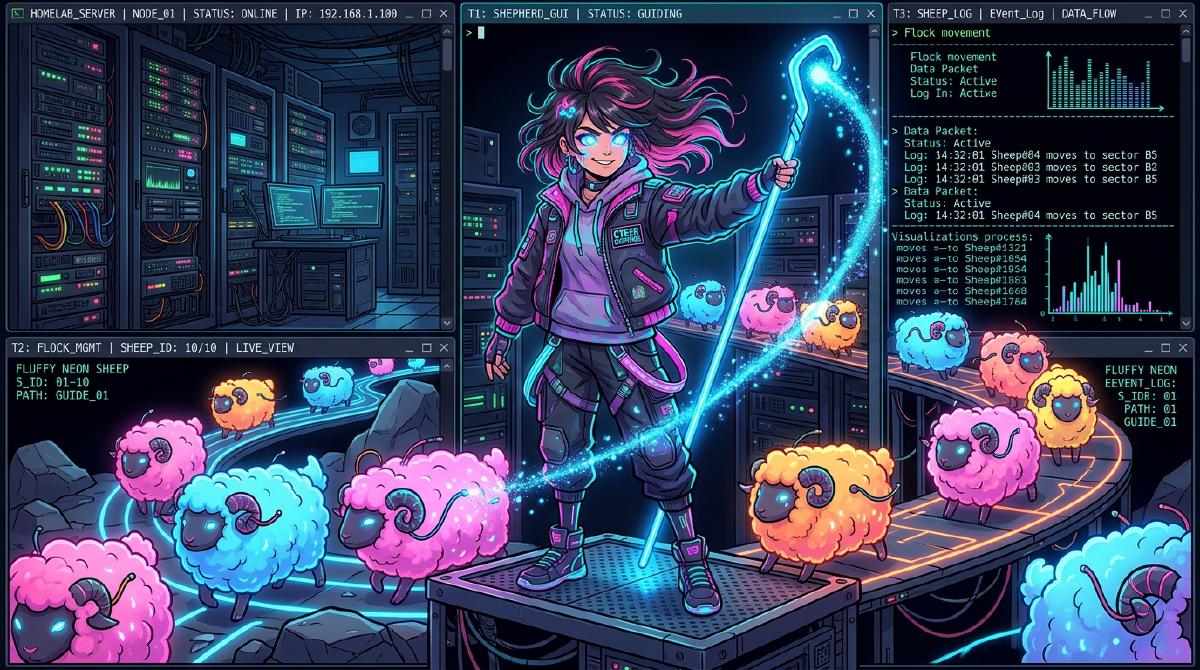
If you’ve been experimenting with autonomous coding agents like Claude Code, OpenCode, or local Ollama agents in your homelab, you’ve probably hit the tmux wall.
Traditional terminal multiplexers like tmux or Zellij are amazing for shell persistence, but they have zero clue what your AI agents are actually doing. Are they still writing code? Are they blocked waiting for bash permission? Did they finish 20 minutes ago while you were making coffee?
Enter Herdr —a lightweight, single-binary agent multiplexer built specifically for managing fleets of AI coding agents across your local machines and homelab servers.
🤠 What is Herdr? (tmux for the Agent Era)#
Herdr is to coding agents what tmux is to standard terminal sessions.
Instead of wrapping your workflow in a heavy Electron desktop app or a web dashboard that locks you to a single computer, Herdr lives right inside your native terminal (Ghostty, Alacritty, Kitty, or iTerm2).
🔥 Key Homelab Features That Make Herdr Essential#
1. Persistent PTY Sessions (Close the Laptop & Walk Away)#
Run your agents on a headless homelab server or a local workspace. If your laptop battery dies or your Wi-Fi disconnects, nothing dies. The agents keep executing in real persistent PTY panes on the server.
2. Semantic Agent Awareness at a Glance#
Herdr parses live agent states across all workspaces and displays status indicators in a unified sidebar:
- working Agent is actively generating code or reasoning.
- blocked Agent is waiting for user approval (e.g., bash execution confirmation).
- done Task is complete and ready for review.
3. Remote Attach from Anywhere (Even Your Phone)#
Stepped away from your desk? You can SSH into your homelab server from your phone or tablet and inspect agent progress or approve blocked commands on the fly.
🛠️ Quick Start: Installing & Running Herdr in Your Homelab#
Installing Herdr takes less than 10 seconds. You can install it on your local workstation, remote VPS, or homelab Docker host.
# Install Herdr via the official script
curl -fsSL https://herdr.dev/install.sh | sh

# Launch Herdr multiplexer
herdr
# Install via Homebrew
brew install herdr
# Launch Herdr
herdr# Attach directly to a remote homelab server
herdr --remote homelab-docker-vm🚀 Homelab Workflow: Orchestrating Multiple Agents#
Here’s how a typical multi-agent homelab session looks using Herdr:
1. Workspace 1: Infrastructure Automation
2. Workspace 2: Local LLM Experimentation
3. Workspace 3: Background Logs & Build Monitoring
tail -f log streams or docker compose logs open in a dedicated tab alongside your active agents.🎨 Plugins & Customization#
Herdr features a rich community plugin ecosystem (150+ plugins) that extends its capabilities:
- Diff Reviews: Side-by-side git diff inspection right beside active agents.
- Mobile Approval: One-tap permission responses over SSH.
- Pixel-Art Sheep: Watch your active agents graze as pixel-art sheep in your status bar! 🐑
💡 Final Thoughts#
If you’re serious about self-hosting and running AI agents in your homelab, Herdr is a game changer. It bridges the gap between raw tmux power and modern agent orchestration.
Give it a spin in your homelab today!
Visit Herdr.dev Official Site