
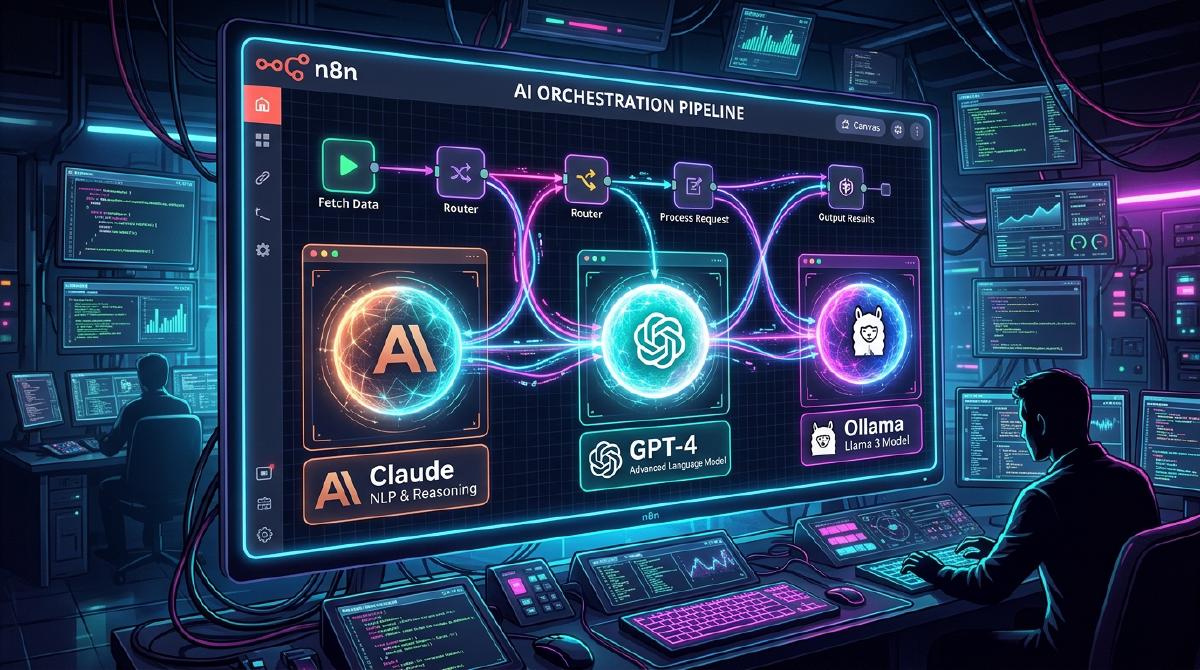
Automating technical content, code generation, and data processing used to require complex custom backend services. Today, combining self-hosted n8n with a multi-LLM pipeline allows you to build sophisticated, event-driven AI workflows with minimal overhead.
In this guide, we will walk through setting up a production-ready n8n orchestration pipeline running in Docker, integrating both cloud models (OpenAI, Anthropic) and private local LLMs (Ollama).
🛠️ Infrastructure Requirements#
Before deploying the workflow, ensure you have the following prerequisites in place:
- Server: A VPS or local homelab node running Ubuntu 22.04/24.04 LTS.
- Containers: Docker and Docker Compose installed.
- Networking: Reverse proxy (Traefik or Nginx Proxy Manager) with valid SSL certificates.
For cloud hosting, we recommend deploying on DigitalOcean Droplets affiliate for high uptime and fast network throughput.
🚀 Step 1: Deploying n8n with Docker Compose#
Create a docker-compose.yml file to run n8n alongside a PostgreSQL database for persistent workflow storage:
version: '3.8'

services:
  postgres:
    image: postgres:16-alpine
    container_name: n8n_postgres
    restart: always
    environment:
      - POSTGRES_USER=n8n
      - POSTGRES_PASSWORD=SecretPostgresPassword
      - POSTGRES_DB=n8n
    volumes:
      - postgres_storage:/var/lib/postgresql/data

  n8n:
    image: n8nio/n8n:latest
    container_name: n8n_app
    restart: always
    ports:
      - "5678:5678"
    environment:
      - N8N_BASIC_AUTH_ACTIVE=true
      - N8N_HOST=n8n.yourdomain.com
      - DB_TYPE=postgresdb
      - DB_POSTGRESDB_HOST=postgres
      - DB_POSTGRESDB_DATABASE=n8n
      - DB_POSTGRESDB_USER=n8n
      - DB_POSTGRESDB_PASSWORD=SecretPostgresPassword
    volumes:
      - n8n_storage:/home/node/.n8n
    depends_on:
      - postgres

volumes:
  postgres_storage:
  n8n_storage:
Run the container stack with docker compose up -d.
🤖 Step 2: Designing the Multi-LLM Routing Architecture#
Once n8n is running at http://localhost:5678, open the web dashboard and build the routing workflow:
1. Trigger & Payload Ingestion
2. Technical Reasoning Node
3. Local Privacy & Verification Node
🔒 Step 3: Integrating Local Ollama Models#
To call local LLMs from n8n, run Ollama in a adjacent Docker container on the same network:
docker run -d -v ollama:/root/.ollama -p 11434:11434 --name ollama ollama/ollama
docker exec -it ollama ollama pull llama3
In n8n, add an HTTP Request node targeting http://ollama:11434/api/generate with the following JSON payload:
{
  "model": "llama3",
  "prompt": "Review the following Python script for security flaws: {{ $json.code }}",
  "stream": false
}
💬 What’s Next?#
Self-hosting your n8n LLM pipeline gives you full data sovereignty, zero rate limits, and maximum control over your API costs.
Are you running automated AI pipelines in your homelab? What LLM routing strategies are you using? Let us know in the comments below!
Explore More Automation Tutorials