
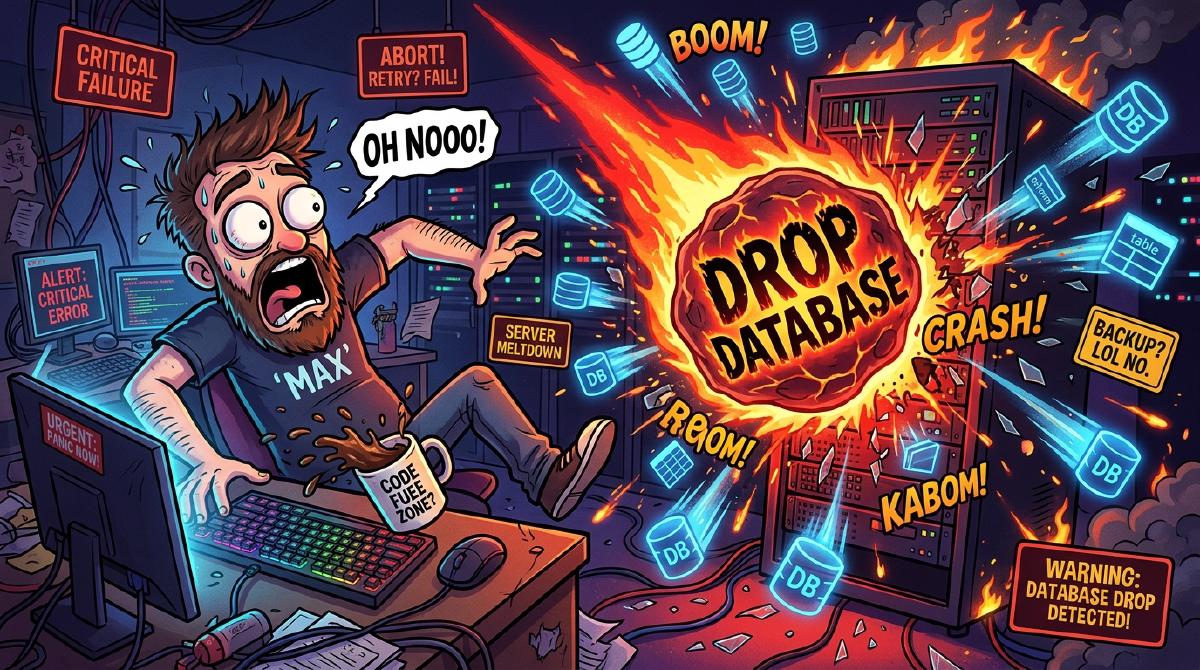
There is a specific kind of cold sweat known only to software engineers and database administrators.
It happens in a microsecond. You press Enter in your terminal, expect a clean 3-millisecond query response, and instead watch the terminal freeze. You glance up at your tab title and realize with horror:
You weren’t connected to staging. You were connected to production.
1. The Anatomy of a Wipeout: Anatomy of an Error#
Every developer eventually faces their initiation by fire. Mine happened on a quiet Tuesday evening—the kind of evening where you foolishly think, “I’ll just run a quick clean-up script before calling it a day.”
-- What I thought I was executing on localhost:
DROP DATABASE app_dev_staging;

-- What actually executed on the live cluster:
DROP DATABASE app_production;
2. Schrödinger’s Backup: It Exists and Doesn’t Exist Simultaneously#
In the immediate aftermath of a database wipeout, you enter the bargaining phase of grief. You tell yourself: “It’s fine! I configured automated nightlies three months ago!”
Except here is the dirty secret of IT infrastructure: Untested backups do not exist.
Until you have successfully executed a full point-in-time restore onto a fresh node, your backups exist in a state of quantum superposition—they are simultaneously valid data archives and 0-byte corrupt files.
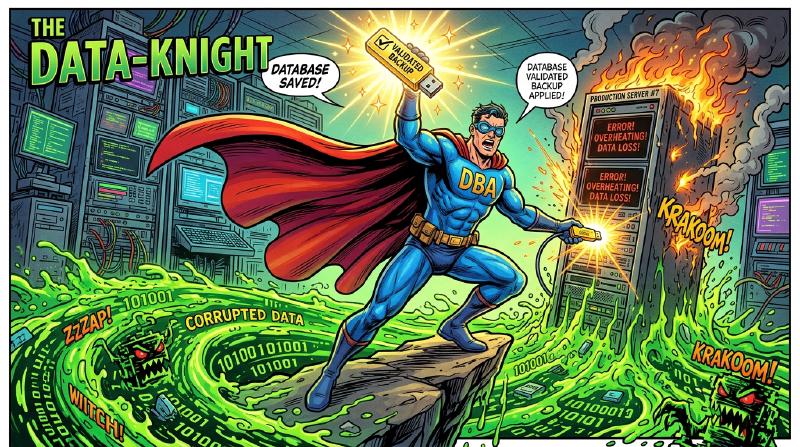
3. The Recovery Architecture: Bulletproof Disaster Recovery#
To prevent future heart attacks, I re-engineered the database backup pipeline across the entire homelab. Now, backups aren’t just dumped into a local folder—they follow a strict automated replication lifecycle:
%%{init: {
'theme': 'base',
'themeVariables': {
'darkMode': true,
'background': '#0b0f19',
'primaryColor': '#1e293b',
'primaryTextColor': '#f8fafc',
'primaryBorderColor': '#38bdf8',
'lineColor': '#c084fc',
'secondaryColor': '#0f766e',
'tertiaryColor': '#831843',
'clusterBkg': '#0f172a',
'clusterBorder': '#334155',
'titleColor': '#38bdf8',
'edgeLabelBackground': '#0f172a',
'fontFamily': 'inter, system-ui, sans-serif'
}
}}%%
sequenceDiagram
autonumber
actor Dev as 👨💻 Database Engine
participant WAL as 📝 WAL Archiver (pg_wal)
participant NAS as 📦 Synology NAS (NFS)
participant Offsite as ☁️ Encrypted Remote Backup
participant Test as 🧪 Automated Restore Test VM
Dev->>WAL: 1. Stream Write-Ahead Logs (Continuous)
WAL->>NAS: 2. Sync Hourly Incremental Snapshots
NAS->>Offsite: 3. Encrypt & Push to Offsite Bucket
NAS->>Test: 4. Spin up Test VM & Spin Restore Check
Test-->>Dev: 5. ✅ Restore Test Passed (Reported via Discord)
The 4 Pillars of Database Survival:#
- Continuous WAL Archiving: Write-Ahead Logging (WAL) streams every transaction continuously, allowing Point-In-Time Recovery (PITR) down to the exact second before disaster struck.
- Read-Only Production Credentials: Application connections use strictly scoped roles. DDL commands (
DROP,ALTER,TRUNCATE) require explicit interactive confirmation tokens. - Offsite Encryption: Backup archives are encrypted in-memory before being synced to offsite storage, keeping data safe even if hardware is compromised.
- Automated Restore Validation: Every Sunday at 03:00 AM, a disposable LXC container spins up, restores the latest full backup, executes schema health checks, and posts a verification report to Discord.
4. The Checklist: Are Your Databases Actually Safe?#
Before you close your laptop tonight, ask yourself these four questions:
- Have you tested a full database restore in the last 30 days?
- Are your production terminal prompts color-coded bright red?
- Do your backup files reside on a physically separate host from your primary database?
- Is your point-in-time recovery window smaller than 1 hour?
If you answered “no” to any of those, your database is living on borrowed time.
5. Final Thoughts: Embrace the Lessons#
Making a mistake is part of engineering. Making the same mistake twice without building automated guardrails is a choice.
The Great Database Wipeout was terrifying, but it forced me to build a resilient, automated, and self-healing backup architecture that I can rely on 100% of the time.
View Disaster Recovery PlaybooksWhat’s Your Worst Database Nightmare?#
Have you ever accidentally dropped a table, wiped a production database, or discovered your backup script was outputting empty files? Share your funniest or scariest database horror stories in the comments below!