
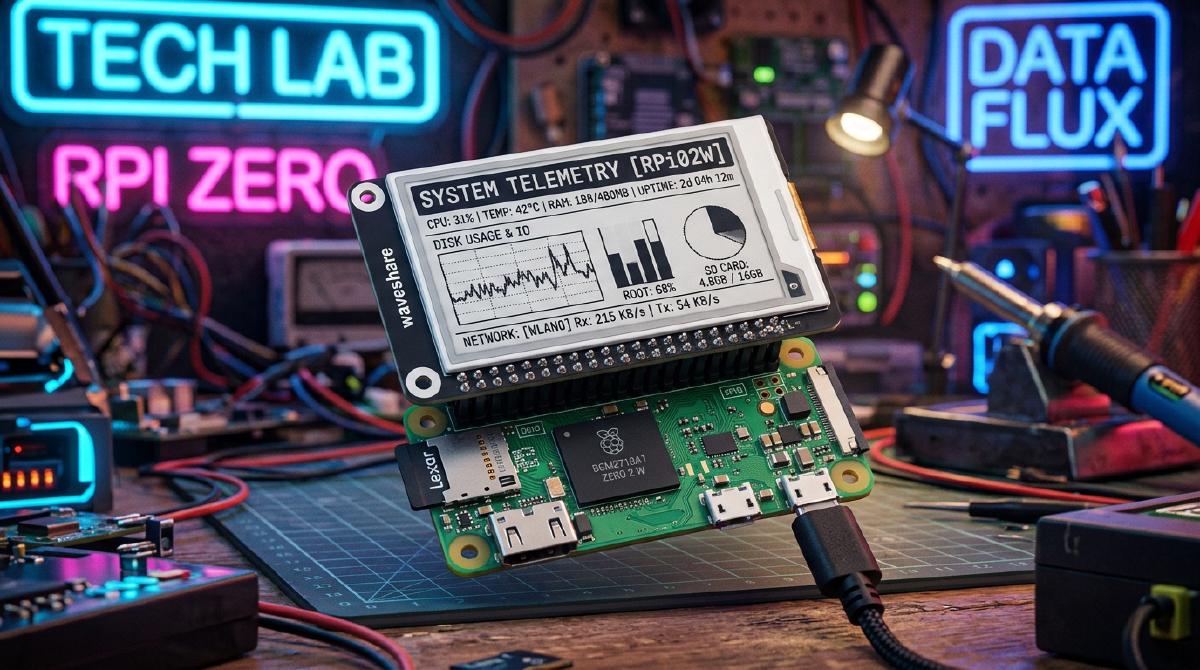
E-Paper (e-Ink) displays have become the gold standard for portable Raspberry Pi Zero projects. Whether you are building an autonomous security scanner like Ragnar or Pwnagotchi, a solar-powered weather station, or a crypto status display, e-paper screens offer sunlight readability and ultra-low power consumption.
In this guide, we review and compare the top 5 e-Paper displays for Raspberry Pi Zero and Zero 2 W.
📊 Top 5 E-Paper Displays Compared#
1. Waveshare 2.13-inch e-Paper HAT (V4)
- Resolution: 250x122 pixels
- Colors: Black / White (supports partial refresh)
- Best For: Portable wardriving tools (Ragnar / Pwnagotchi) and compact hand-held gadgets.
- Why We Love It: Lightning-fast 0.3s partial refresh rates make real-time metric logging super responsive.
2. Waveshare 2.7-inch e-Paper HAT
- Resolution: 264x176 pixels
- Colors: Black / White
- Best For: Desktop system monitors and Grafana homelab status displays.
- Why We Love It: Includes 4 onboard tactile buttons for toggling menus and dashboard views.
3. Waveshare 3.7-inch E-Paper Display
- Resolution: 480x280 pixels
- Colors: Black / White (4 grayscale levels)
- Best For: Detailed network maps, e-readers, and weather forecasters.
- Why We Love It: High resolution and crisp grayscale rendering allow detailed data graphs.
4. Pimoroni Inky pHAT (2.13-inch Three-Color)
- Resolution: 250x122 pixels
- Colors: Red / Black / White
- Best For: Notification badges and critical system alert indicators.
- Why We Love It: Vibrant red accent color makes warning alerts pop visually.
5. Waveshare 7.5-inch e-Paper HAT (V2)
- Resolution: 800x480 pixels
- Colors: Black / White
- Best For: Wall-mounted smart home dashboards and calendar planners.
- Why We Love It: Massive screen area visible from across the room.
🔌 Hardware Buying Guide#
When picking a display for your Pi Zero setup, consider these essential hardware components:
- SBC: Raspberry Pi Zero 2 W amazon
- Display: Waveshare 2.13-inch e-Paper HAT V4 amazon
- Storage: SanDisk 32GB Extreme MicroSD amazon
💡 Partial Refresh vs. Full Refresh#
One critical factor when choosing an e-paper display is partial refresh support:
- Full Refresh (2s - 15s): The entire screen flashes black and white to clear ghosting. Best for weather stations updated once every 10 minutes.
- Partial Refresh (0.3s - 0.5s): Only updated pixels refresh without flashing the entire panel. Essential for live terminal outputs or wardriving telemetry.
💬 What’s Your Favorite E-Paper Setup?#
Which e-paper display are you using in your Raspberry Pi builds? Have tips for reducing ghosting or optimizing battery life? Share your project setup in the comments!
Read All Hardware Reviews