In Part 1 of our Lazy SRE Automation series, we painted a glorious, utopian vision: a world where Vector listens to container logs, n8n orchestrates workflows, Ollama writes code fixes, and you sleep soundly while Pull Requests open themselves.
It sounded majestic on paper.
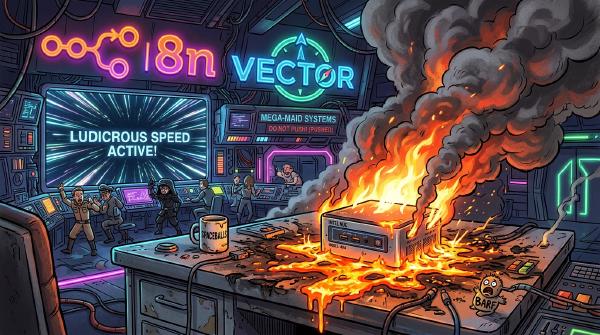
Then reality hit. And by “reality,” I mean my innocent little Intel NUC screaming in acoustic agony as its cooling fan spun at 140,000 RPM while melting into a pool of radioactive silicon.
Welcome to Spaceballs: The Log Triage. Here is everything I learned after accidentally turning my homelab into a self-inflicted Distributed Denial of Service attack.
Getting woken up by an alert at 2:15 AM because a container crashed on a port conflict is a rite of passage every DevOps engineer despises.
Standard engineering response: Wake up, open your laptop in the dark, SSH into the host, parse docker logs, realize a memory limit or port mapping is misconfigured, edit the docker-compose.yml, commit the fix, and go back to sleep angry.
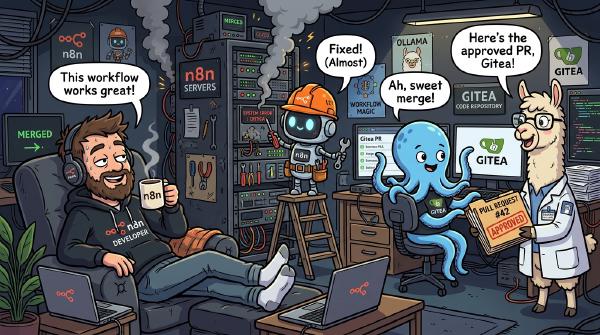
Lazy homelab engineering response: Build an automated n8n + Vector + Ollama AI pipeline that catches the crash log, diagnoses the root cause, writes the code patch, creates a Git branch, opens a Pull Request, and pings your phone on Discord so you can click “Merge” without leaving bed.
Here is how I built the SRE Log Triage & Auto-PR Workflow using n8n—the premier open-source workflow automation platform.
Is it treason or enlightenment? A veteran Linux SRE explains why he finally surrendered to Windows 11 after two decades of kernel panics and dotfile maintenance.